Learn your exam with a course built around your goal.
Tell it your goal and your date. It writes the course, plans each day and decides what to review. You just do the work.
- Course written
- Days planned
- Reviews timed
How it works
From your goal to the day.
I
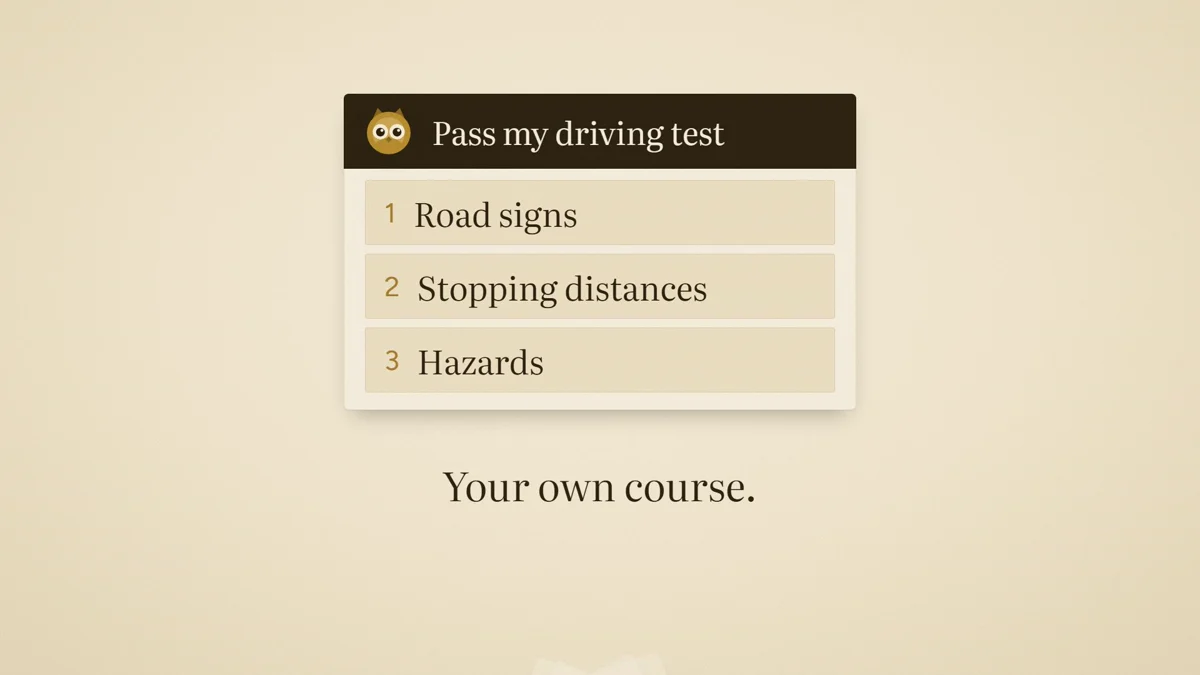
Your goal.
Tell it what you want to learn and by when: an exam, a module, a thesis topic. Add your slides or the textbook, if you have them.
II
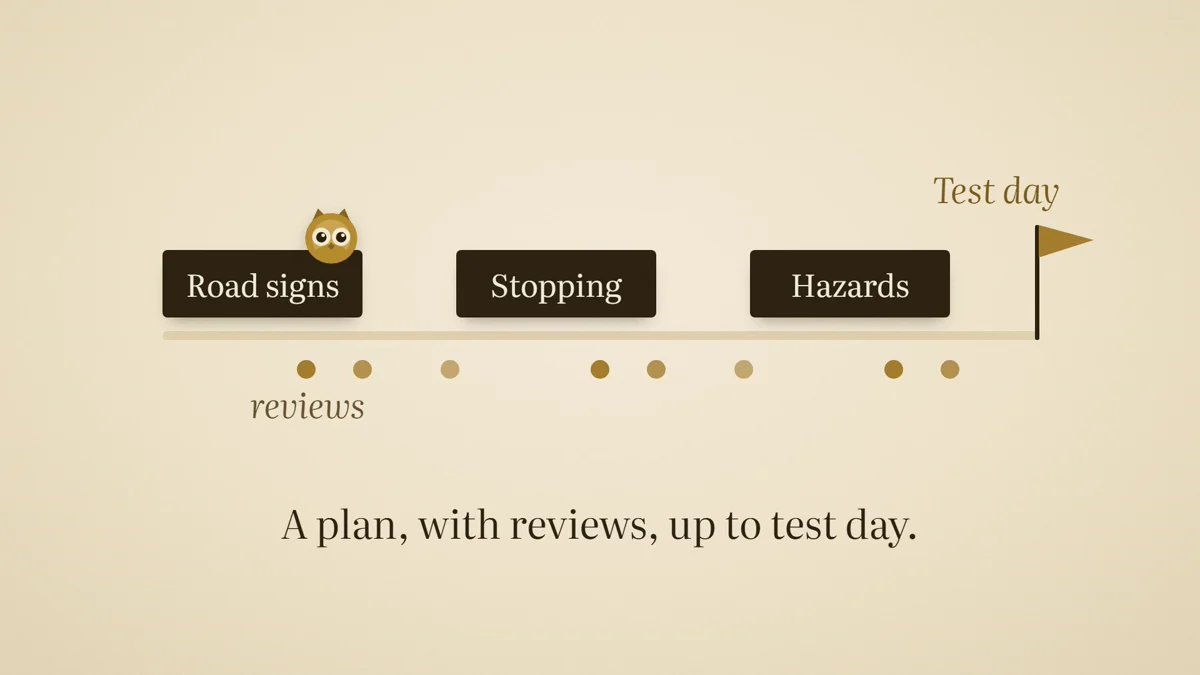
A plan, with reviews, up to the day.
It writes the course in parts and puts every part and every review on your calendar, up to the date.
III
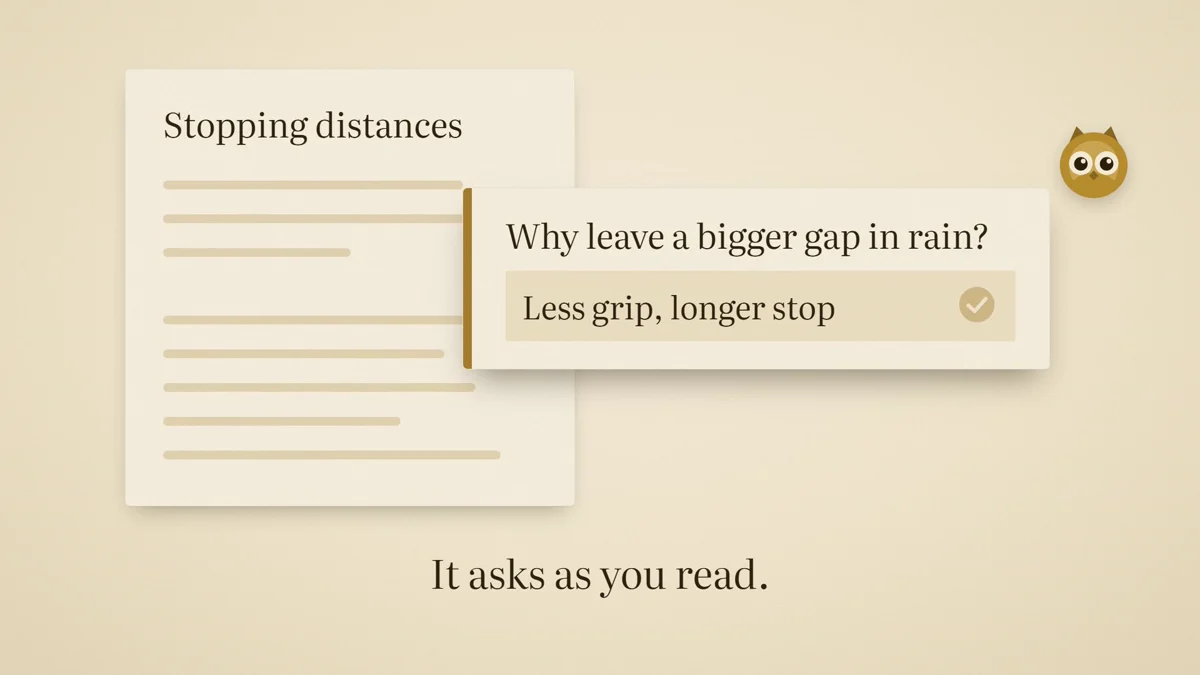
Not just reading.
Each part comes the way that suits the idea: a reading, worked examples, a drawn scene or a step-by-step exercise. As you go, it spars with you.
IV
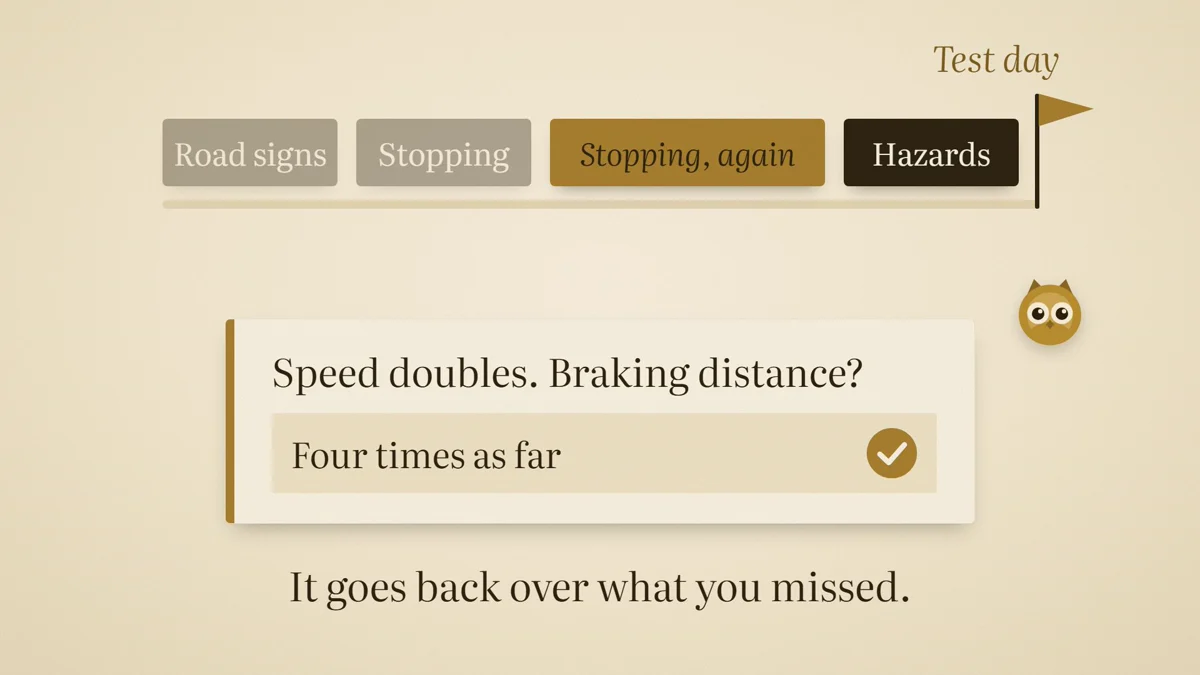
It goes back over what you missed.
Your tutor marks your answer, spots what you got wrong, and adds a part that goes over it again.
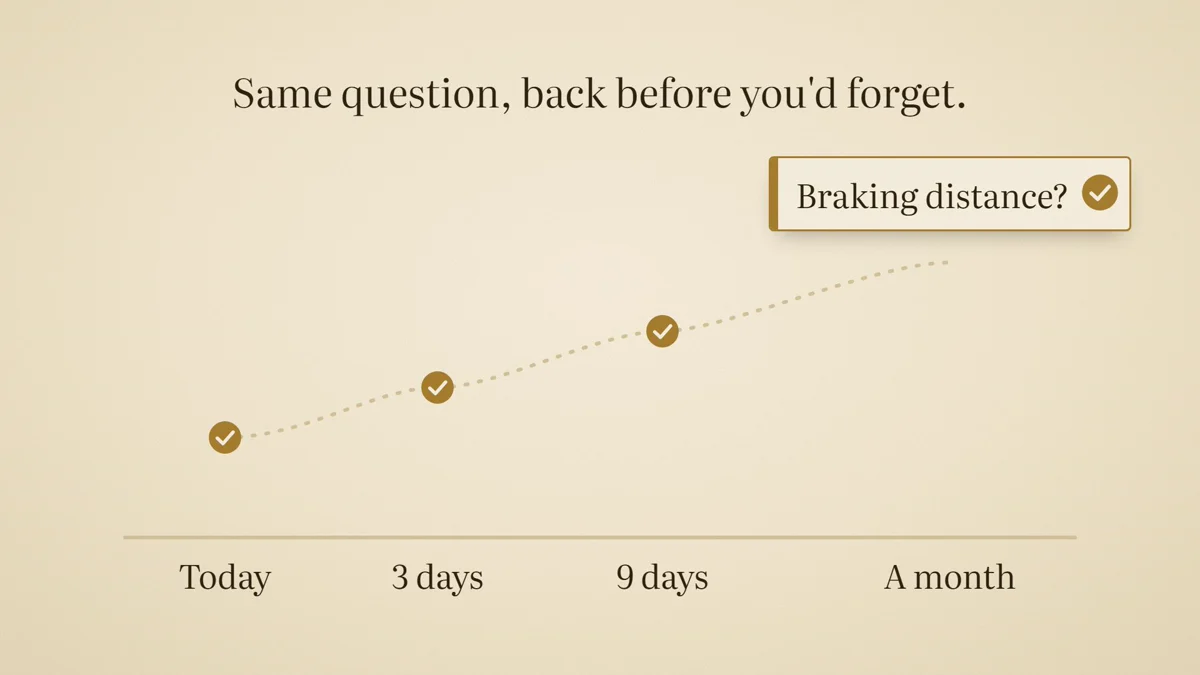
V
Back before you'd forget.
Each idea comes back just before you'd forget it, a little harder each time.
Finish each course your way: a mock oral exam, an essay, a cheat sheet or a problem set.
The app
Here is what it looks like.
The problem
Most learning tools give you one piece.
Slides in one app, flashcards in another, a chatbot, a calendar. None of them talk to each other.
does itpartly
QuireMind does the whole job, for one subject and one person at a time.
Everything but the thinking.
Yours: the thinking
- Understanding the idea
- Answering in your own words
- Explaining it back
- Using it on something new
The app’s: everything else
- Planning what to study, and when
- Writing the course and the questions
- Marking your answers
- Knowing when to bring it back
The app takes the work that teaches you nothing.
It learns you
It gets to know you, and shows you what it knows.
A chat starts over each time. Your tutor remembers you, each idea and each goal, and shows you all of it. You can change or remove anything it noted.
01 · You
About you
- Working towardResearch methods exam, 14 June
- What worksExamples first, then the rule
- Still shakyTakes a link for a cause
02 · Each idea
Correlation
Understand now · goal: Apply
- It noted
- Mixed it up with cause, once
- Next
- Back in 3 days, one step harder
03 · Each goal
Research methods
3 of 4 goals
at your level
- Choose a designKept
- Read a correlationAt your level
- Spot a confounderOn the way
See it in action
A course built around a goal, start to finish.
A student, a 200-page course reader and six weeks until the first big project. Under three minutes. The screens are the app as it is now.
Your own material
Bring your own material.
Lecture slides, the textbook, photos of the whiteboard. It reads them and finds the ideas in them. You choose what to do with each idea, and the course is written from your material.
1Your material
Slides, the textbook, photos
2The ideas it finds
- Correlation
- Confounding variable
- Random sampling
- Bias
- Sample size
- Effect size
- + 38 more
3You choose
- Correlation
- Confounding variable
- Random sampling
- Bias
gets cardsexplained onlyyou know this
Why I'm building this
I trained as an architect. Now I write about what education is for when machines can do much of the work people were trained to do. QuireMind is the practical half of that work. It does the part of learning that gets knowledge from a page into your head, patiently and at your pace. That leaves your time with other people for what only people can do together: argue, judge, and find out what you think.
Daniel StaflinAalborg · 2026
For schools, teachers and teams
Teaching a group?
A class at school or a course at university: if you'd like to try QuireMind with your students, I'm looking for a few pilot partners. Practice is built on Bloom's taxonomy, and every learner's progress is tracked concept by concept.
Questions
Fair questions.
When can I use it?
It's in an invite-only beta now. I'm letting people in a few at a time, in the order they ask.
Will it cost money?
There will be a free version. Pricing comes with the launch.
Is this cheating?
No. It does not write your assignments or answer your exam. It explains, asks you questions and checks your answers, so you can do the work yourself.
Does it replace teachers?
No. It takes care of explaining, practising and remembering. That frees time with teachers and other learners for what people do best together: discussing, judging what matters and growing as a person.
Want a course built around your goal?
Invite-only beta. I'm letting people in a few at a time.